Restoring Last Backup
This covers the case where you wish to replace the Emby Server data with what was in the last server backup, which would be the backup from the previous night.
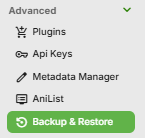
Launch the Backup & Restore plugin by clicking on Backup & Restore from the Advanced section of the server dashboard left sidebar.
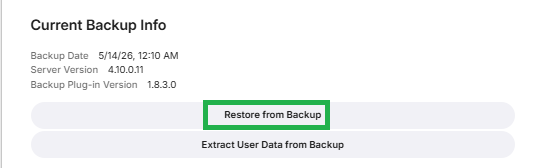
This should show the current backup.
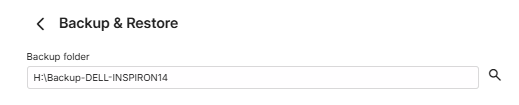
If it does not show the latest backup, check that the path for the backup/restore is correct. If is is not set, there would not be a backup to restore from.
On the Current Backup Info screen, Click on Restore from Backup.
This will show the following screen:
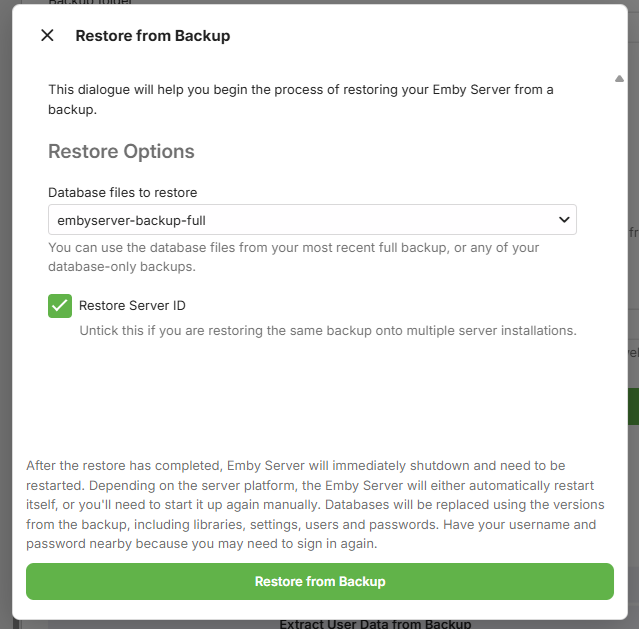
To restore from the latest backup, have the "embyserver-backup-full" selected, and as you are restoring to the same server, keep the "Restore Server ID" ticked. Click on Restore from Backup
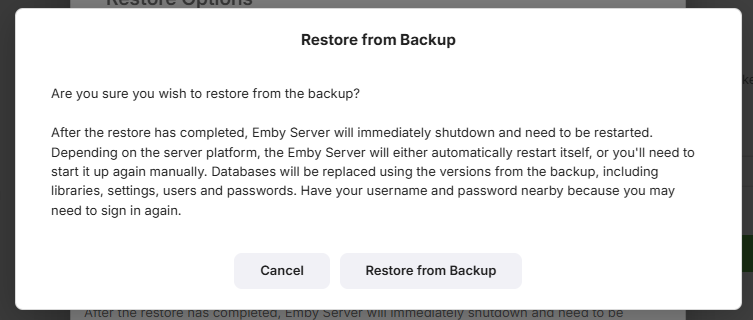
You will be prompted to confirm. Click on Restore from Backup to confirm.
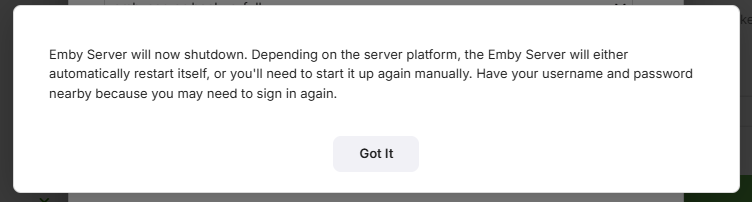
When the restore completes, Emby Server will automatically restart.
Make sure you close all previous browser sessions accessing the server and open a new browser session to access the emby server.