Using Restore to Copy Playback States and Favorites
You can use Backup and Restore to copy the playback state and favorites information to a different Emby user account.
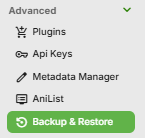
Launch the Backup & Restore plugin by clicking on Backup & Restore from the Advanced section of the server dashboard left sidebar.
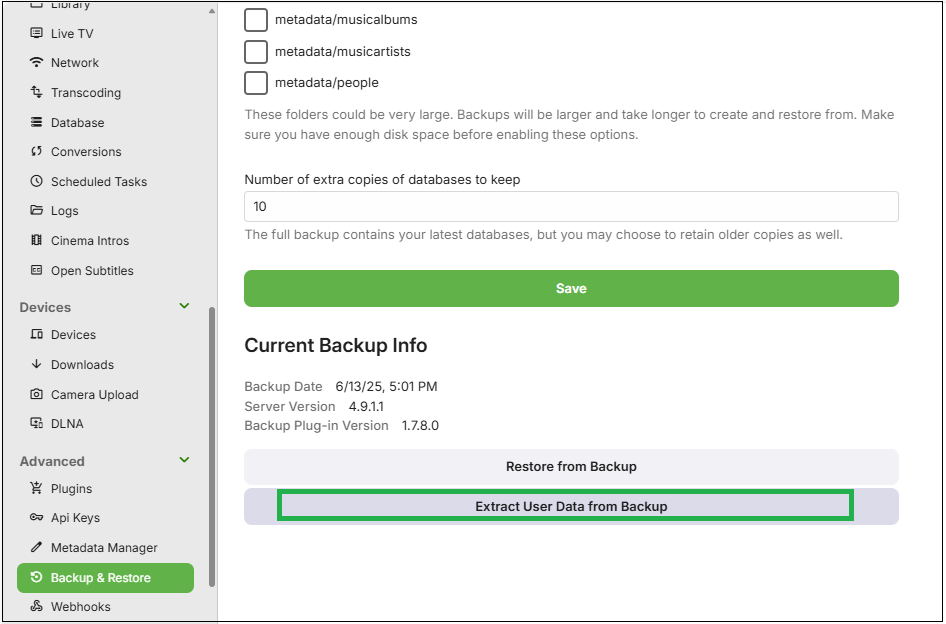
This should show the current backup. Click on "Extract User Data from Backup"
On the next screen, tick the original user accounts that are in the backup that you wish to copy the data from.
For each of the selected original user accounts that are in the backup, select from the dropdown the local user account to copy the playbacks state and favorites to.
In the example below, we are copying playbacks state and favorites from user My-Admin-User to user MyNewAdmin.
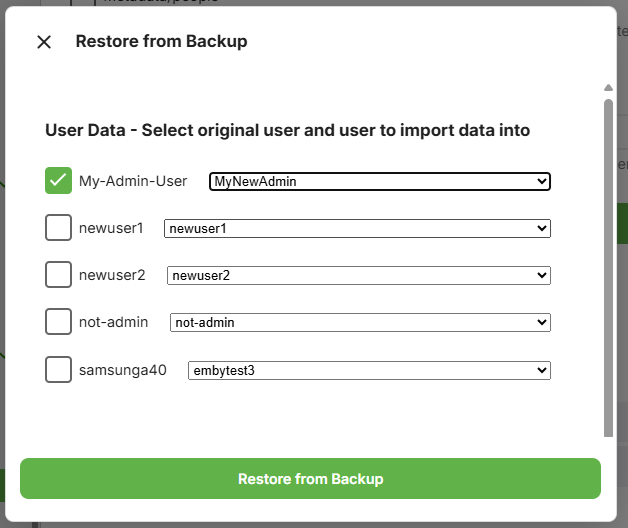
Having made the selection, now click "Restore from Backup"
and as per other restores, you will be asked to confirm.